
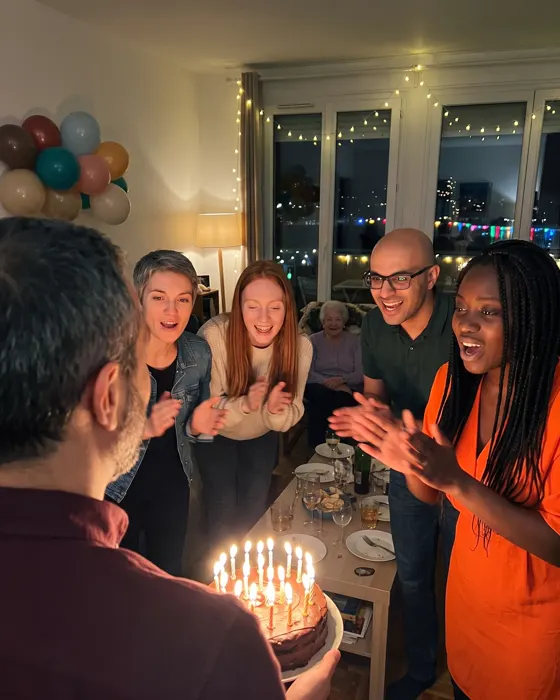


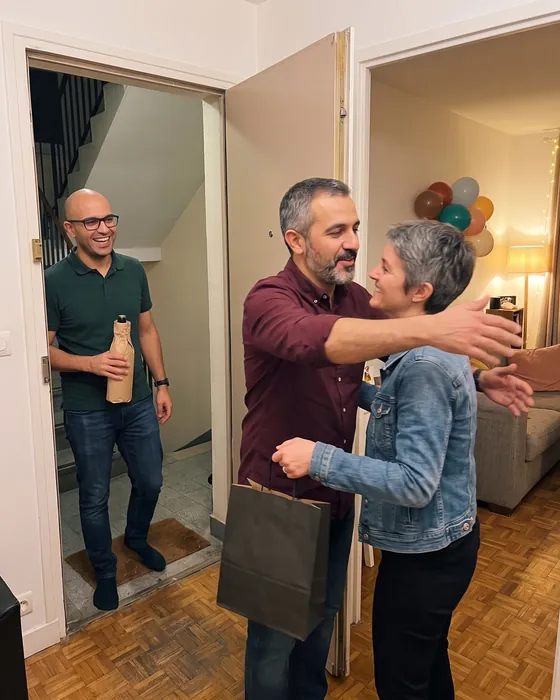
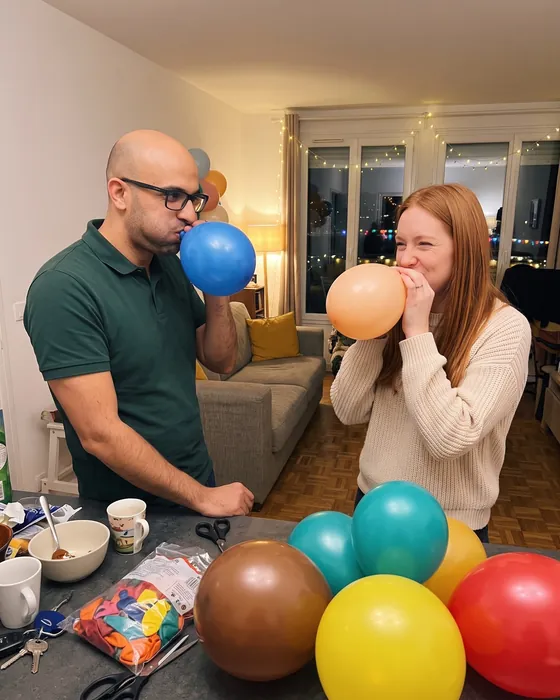
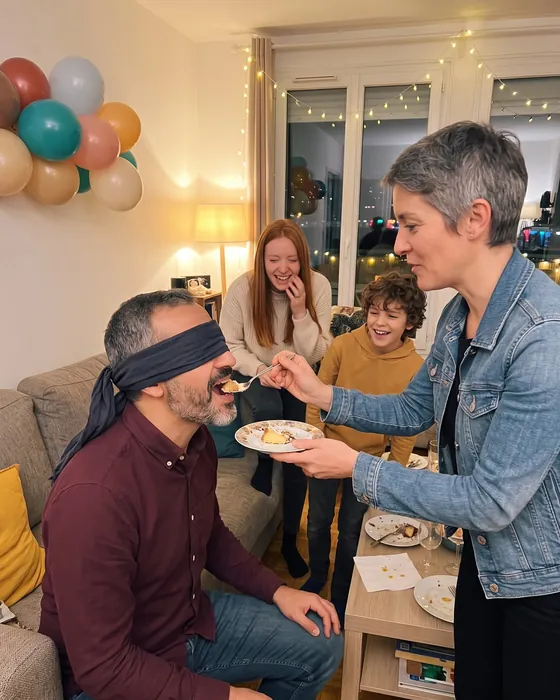
A birthday told by everyone who came.
A photo sharing app for the birthday: every guest scans a QR code, takes photos their own way, and it all lands in the same gallery, live.
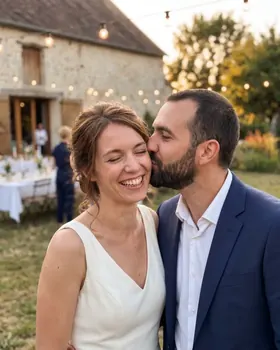
Example wall: AI-generated photos and demonstration names
How it goes
-

Before the candles
The QR code on the table is all it takes: a scan, a first name, and everyone adds their photos.
-

During the party
Challenges to get everyone moving, solo or by table, with a live leaderboard.
-

After
All the photos stay in one place for the guests, and you export them into a ZIP file.
AI-generated demonstration photos
Challenge ideas
Examples: you write your own challenges, or pick from the ideas the app suggests.
- A photo with the birthday person
- “Happy birthday” in full swing
- A surprise dance routine
- The most unexpected present
- Three generations in one photo
- The cake, or what’s left of it
- The birthday person at the same age, in a vintage photo
- The best fit of giggles of the party
- A group photo on tiptoe
- The exact moment the candles go out
- A portrait with the craziest party hat
- The most unexpected dance of the night
Our tips for the party
-
The QR code where everyone goes
Next to the cake, on the buffet or at the door: one sheet printed from the app is enough. Guests who arrive later join the gallery just as quickly.
-
Solo challenges
At a birthday, solo play often works better than tables: everyone takes on the challenges at their own pace, and the leaderboard counts the ones they completed.
-
Challenges around the guest of honour
The best photo with them, a memory to recreate together, three generations side by side: they then find all these photos in one place.
-
The slideshow during the cake
Open the big screen from the account space, on the TV or a projector: the photos roll as the party goes on.
Which plan?
A small party fits in the Free plan. For more guests or challenges, pick a paid plan by the number of participants: you pay once, for this birthday.
-
Up to 20 participants
Free
- 5 challenges
- 1 co-organizer
- Photos optimized for sharing
- Kept for 60 days
- Videos up to 30 s, 10 min in all
-
Up to 50 participants
€9.99
- Unlimited challenges
- Unlimited co-organizers
- Photos in original quality
- Kept for 12 months
- Videos up to 3 min, 1 h in all
- Without the “Made with Pellizz” mark
-
Up to 100 participants
€19.99
- Unlimited challenges
- Unlimited co-organizers
- Photos in original quality
- Kept for 12 months
- Videos up to 3 min, 2 h in all
- Without the “Made with Pellizz” mark
-
Up to 250 participants
€29.99
- Unlimited challenges
- Unlimited co-organizers
- Photos in original quality
- Kept for 12 months
- Videos up to 3 min, 4 h in all
- Without the “Made with Pellizz” mark
-
Up to 500 participants
€49.99
- Unlimited challenges
- Unlimited co-organizers
- Photos in original quality
- Kept for 12 months
- Videos up to 3 min, 8 h in all
- Without the “Made with Pellizz” mark
Prices include VAT, paid once for the event, with no subscription. Every paid plan has the same features: only the number of participants and the video time change.
Frequently asked questions
The questions to ask yourself before your event.
Another question? Write to us
Which photo challenges for a birthday?
Challenges that get everyone moving: a photo with the birthday person, three generations in one photo, the cake before and after… You write them, or pick from the ideas the app suggests for a birthday; everyone plays solo or by table.
Is it free for a birthday?
The Free plan is free, with a limited number of participants and challenges. For a big party, a paid plan is bought once, for this birthday: no subscription.
Do guests need to install an app?
Yes, the Pellizz app, which is free. Scanning the QR code opens it on the party, and a first name is enough: guests create no account.
How do I get every photo of the party?
They stay in the birthday gallery, visible only to the guests, until the end of the retention period. The organiser exports them all as one ZIP file, on the website or in the app.
What if the network is poor?
Photos wait on the phone and go out as soon as the connection is back, even later on. Nobody has to send them again.
Other events


Your event starts here.
Create your event on the website or in the app and print the QR codes: your guests do the rest.